Choosing the right Honeywell barcode scanner can make a noticeable difference in how efficiently a business manages billing, product identification, and everyday transactions. For retail stores, supermarkets, small businesses, and office environments, a reliable scanner helps reduce manual data entry and makes barcode-based operations more convenient.
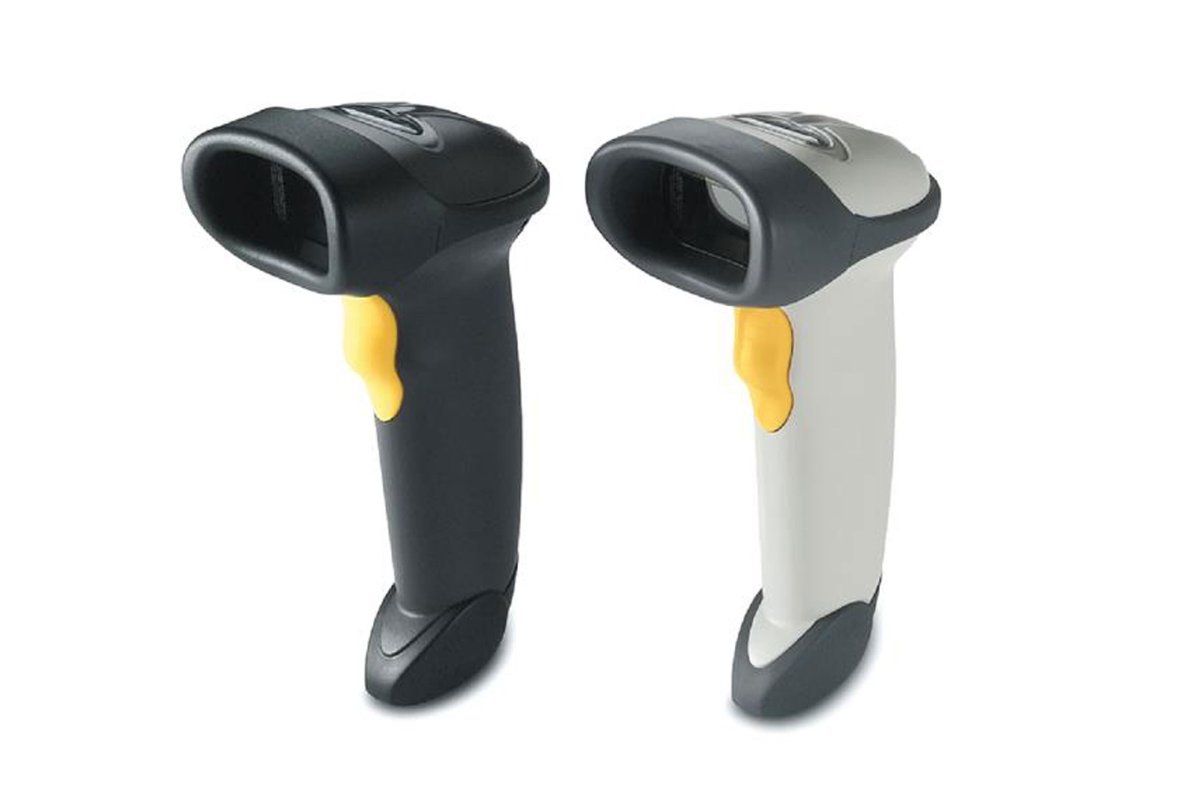
One model worth considering for basic 1D barcode scanning is the Honeywell Eclipse 5145 (MK5145). Designed as a compact, handheld laser scanner, it combines CodeGate technology, automatic wake-up functionality, and flexible connectivity to support routine scanning tasks.
But what makes this scanner useful, and is it suitable for your business? Let's explore its technology, specifications, practical applications, and important buying considerations.
What Is the Honeywell Eclipse 5145 Barcode Scanner?
The Honeywell Eclipse 5145 is a corded, single-line laser barcode scanner designed primarily for general-purpose retail and point-of-sale applications.
It reads standard 1D barcodes and GS1 DataBar symbologies, making it suitable for businesses that need straightforward product identification and transaction processing.
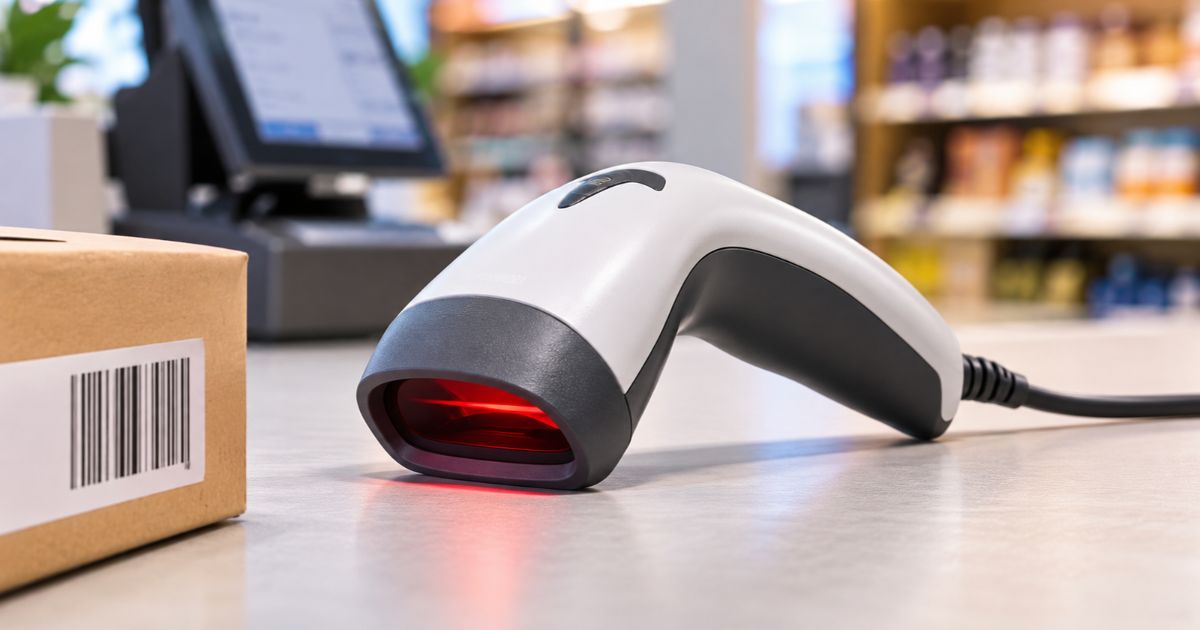
Unlike advanced area-imaging scanners, which capture two-dimensional barcodes, the Eclipse 5145 uses a single laser scan line. Its patented CodeGate technology allows the operator to target a particular barcode and transmit the scanned information by pressing the trigger.
Its compact design and 100-gram weight also make it convenient for employees who perform repetitive scanning tasks.
Key Features of the Honeywell Eclipse 5145
Understanding its features helps businesses determine whether this scanner matches their operational requirements.
1. CodeGate Technology for Accurate Barcode Selection
One of the most useful features is Honeywell's patented CodeGate technology.
In environments where multiple barcodes appear close together, scanning the wrong product can create billing and inventory errors. CodeGate helps address this situation by allowing the operator to aim at the required barcode and press the trigger to transmit the selected data.
This is particularly useful for scanning individual items, selecting specific codes from printed lists, and handling menu-based barcode applications.
2. CodeSense Technology for Automatic Wake-Up
The scanner also incorporates CodeSense technology, which automatically wakes the device from sleep mode when a barcode is detected.
This helps reduce unnecessary manual interaction and makes the scanner more convenient during routine operations.
3. Single-Line Laser Scanning
The Eclipse 5145 uses a single-line laser scanning system with a scan speed of 72 scan lines per second.
Its 50-degree horizontal scan angle provides a practical scanning area for everyday barcode reading.
It supports standard 1D and GS1 DataBar symbologies. Businesses should note that this model is not designed for QR codes or other 2D barcode formats.
4. Lightweight and Ergonomic Design
With a weight of approximately 100 grams and dimensions of 169 × 63 × 51 mm, the scanner has a compact handheld design.
Its lightweight construction helps reduce handling fatigue when employees need to scan products throughout their working shifts.
5. Flexible Connectivity Options
The scanner supports multiple host system interfaces:
- USB
- RS232
- Keyboard Wedge
- IBM 468xx (RS485)
These connectivity options provide flexibility when integrating the scanner with compatible POS terminals and computer systems.
The actual connection depends on the cable configuration and host equipment.
6. Flash ROM for Firmware Updates
The Flash ROM feature supports firmware updates through Honeywell MetroSet 2 software and a standard PC.
This provides a way to update supported scanner firmware without replacing the entire device.
Honeywell Eclipse 5145 Technical Specifications
Before purchasing any barcode scanner, it is important to understand its technical capabilities.
Here are the key specifications of the Honeywell Eclipse 5145:
|
Specification |
Details |
|
Model |
Eclipse 5145 / MK5145 |
|
Scanner Type |
Handheld laser |
|
Scanning Technology |
Single-line laser |
|
Supported Barcodes |
Standard 1D and GS1 DataBar |
|
Scan Speed |
72 scan lines per second |
|
Scan Angle |
50° horizontal |
|
Dimensions |
169 × 63 × 51 mm |
|
Weight |
100 g |
|
Connectivity |
USB, RS232, Keyboard Wedge, IBM 468xx |
|
Input Voltage |
5 VDC ± 0.25 V |
|
Operating Temperature |
0°C to 40°C |
|
Storage Temperature |
-40°C to 60°C |
|
Drop Resistance |
Designed for 1.5 m drops |
Barcode Scanning Distance
The scanning distance varies according to barcode size and quality.
The manufacturer's technical datasheet provides the following typical depth-of-field measurements:
|
Barcode Width |
Typical Scanning Distance |
|
5.2 mil |
0–51 mm |
|
7.5 mil |
0–76 mm |
|
10.4 mil |
0–108 mm |
|
13 mil |
0–140 mm |
|
26 mil |
25–178 mm |
These are typical performance figures, not guaranteed distances. Actual results depend on barcode quality, printing contrast, and environmental conditions.
Where Can You Use the Honeywell Eclipse 5145?
The scanner is particularly suitable for businesses that primarily work with conventional 1D barcodes.
Retail Stores and Shops
Retail employees can use the scanner to identify products, retrieve item information, and process customer purchases through compatible billing systems.
Small Supermarkets
It can support routine checkout operations where products carry standard 1D barcodes.
Office Environments
Businesses can use it for document identification, inventory records, and barcode-based administrative processes.
Product and Inventory Management
The scanner can help employees capture product identifiers during stock counting, product verification, and inventory updates.
Point-of-Sale Counters
Its CodeGate technology is useful when operators need to select a particular barcode before transmitting the scanned information to the connected POS system.
Honeywell Eclipse 5145 vs. Other Barcode Scanner Requirements
Not every business needs the same scanning technology. Before choosing the Eclipse 5145, consider the following requirements:
- For basic 1D barcode scanning: The Eclipse 5145 is a suitable option for compatible applications.
- For QR code scanning: Choose a 2D imaging scanner instead.
- For wireless operations: Consider a Bluetooth or cordless barcode scanner.
- For high-volume warehouse operations: Evaluate industrial-grade scanners designed for more demanding environments.
- For hands-free checkout: Consider a presentation or fixed-position barcode scanner.
The right choice depends on barcode formats, scanning volume, working distance, and system compatibility.
What Should You Check Before Buying?
Before purchasing the Honeywell Eclipse 5145, consider these practical points:
- Barcode compatibility: Confirm that your products use supported 1D or GS1 DataBar formats.
- System connectivity: Check whether your POS terminal or computer supports the scanner's available interface.
- Scanning distance: Make sure the typical scanning range suits your products and counter setup.
- Daily workload: Evaluate whether a handheld, single-line laser scanner meets your expected scanning volume.
- Warranty and accessories: Confirm the supplied cable, compatible accessories, and applicable warranty terms with the seller.
These checks can help prevent compatibility issues after installation.
Where to Buy the Honeywell Eclipse 5145 Barcode Scanner?
If you are looking for a Honeywell Eclipse 5145 for your retail store, office, or POS setup, you can explore the product available at DSTME Online.
The product listing includes the MK5145 model, technical specifications, product details, and purchasing options.
Visit the product page to check the latest availability, pricing, warranty conditions, and compatible accessories:
Choosing a scanner from an established technology supplier also gives you an opportunity to confirm compatibility and clarify installation requirements before purchasing.
Final Thoughts
The Honeywell Eclipse 5145 is a practical choice for businesses looking for a compact, lightweight, and corded scanner for everyday 1D barcode applications. Its CodeGate technology, CodeSense functionality, and multiple connectivity options make it useful for compatible retail counters, POS systems, and office environments.
However, businesses requiring QR code scanning, wireless connectivity, or advanced industrial scanning capabilities should consider other scanner categories before making a purchase.
Understanding your scanning requirements first will help you select the right equipment and build a more efficient barcode-based workflow.
Frequently Asked Questions (FAQs)
1. What type of barcodes does the Honeywell Eclipse 5145 support?
The Honeywell Eclipse 5145 supports standard 1D barcodes and GS1 DataBar symbologies. It is not a 2D barcode scanner and should not be selected for QR code scanning.
2. Does the Honeywell Eclipse 5145 support USB connectivity?
Yes. The scanner supports USB connectivity, along with RS232, Keyboard Wedge, and IBM 468xx interfaces. The appropriate cable and configuration depend on the host system.
3. What is the scanning speed of the Honeywell Eclipse 5145?
It has a scanning speed of 72 scan lines per second, using a single-line laser scanning pattern.
4. What is CodeGate technology in the Honeywell 5145?
CodeGate is Honeywell's patented technology that allows users to target a specific barcode and transmit its data by pressing the scanner's trigger button.
5. Is the Honeywell Eclipse 5145 suitable for retail stores?
Yes. It is designed for general-purpose retail and POS applications where conventional 1D barcode scanning is required.
6. What is the weight of the Honeywell Eclipse 5145?
The scanner weighs approximately 100 grams, making it a lightweight option for everyday handheld scanning.
7. Can the Honeywell Eclipse 5145 scan QR codes?
No. The Eclipse 5145 uses single-line laser technology and supports 1D barcode formats. Businesses requiring QR code scanning should choose a compatible 2D area-imaging scanner.