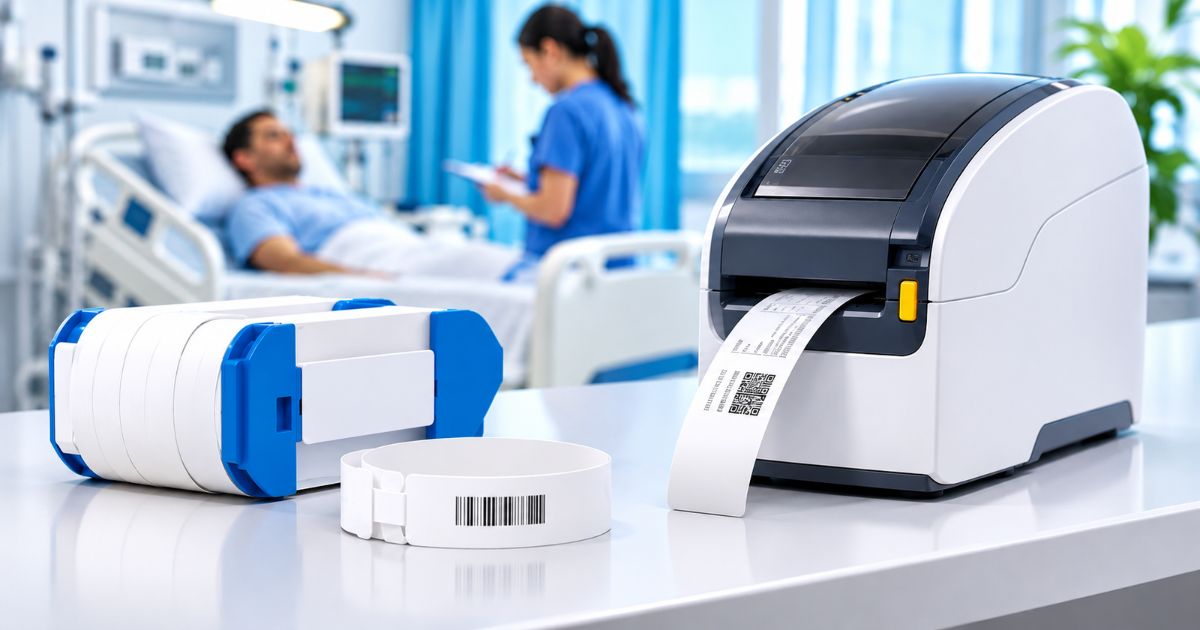
Patient identification is a routine part of hospital care, but it plays an important role in keeping patient information connected to the right person throughout their stay. A clearly printed wristband helps staff verify identity during admissions, transfers, medication administration, sample collection, and other care processes. For this reason, healthcare teams need wristbands that are comfortable to wear, easy to print, and suitable for barcode scanning.
Choosing a Zebra wristband printer is only one part of setting up a dependable patient identification process. The wristband cartridge, media size, printer compatibility, and print quality also matter. This guide explains what to consider when selecting Zebra wristband printing supplies, with a closer look at Zebra Z-Band UltraSoft wristbands available from DSTME Online.
Why Patient ID Wristbands Matter in Healthcare
A patient wristband provides a visible link between a patient and their identification record. Depending on the hospital's workflow, it may display details such as the patient's name, a medical record number, and a barcode or other machine-readable identifier. Staff can scan the barcode and compare the information with the hospital's approved patient record before carrying out relevant procedures.
A wristband does not replace clinical identity checks or hospital protocols. Instead, it supports them by making identification information available at the point of care. For that support to work, the printed information must remain legible, and the wristband must stay securely attached and comfortable during normal use.
What to Look for in a Zebra Wristband Printer
Before buying a Zebra wristband printer, consider how your facility will produce and use wristbands. The right setup depends on patient volumes, the printer model, the wristband format, and the systems used to generate patient information.
-
Confirm printer and cartridge compatibility
Not every wristband cartridge fits every printer. Zebra Z-Band UltraSoft cartridges are designed for compatible Zebra wristband printers, including the HC100 and ZD510-HC. Check the printer model and the cartridge part number before ordering. The product page for part number 10015355K identifies compatibility with HC100 printers and the ZD510 cartridge system.
-
Choose the correct wristband size
Wristbands are available in different sizes for adult, paediatric and infant use. The 10015355K is an adult wristband measuring 1 inch by 11 inches. A suitable fit is important: a band should be secure without being uncomfortably tight. Facilities should follow their own procedures for selecting and fitting wristbands.
-
Understand the printing technology
The 10015355K uses direct thermal printing. Direct thermal printers create an image through heat applied to specially coated media, so this type of wristband does not require a separate ink ribbon. Make sure the printer and media are both designed for direct thermal operation.
-
Consider scanning and workflow requirements
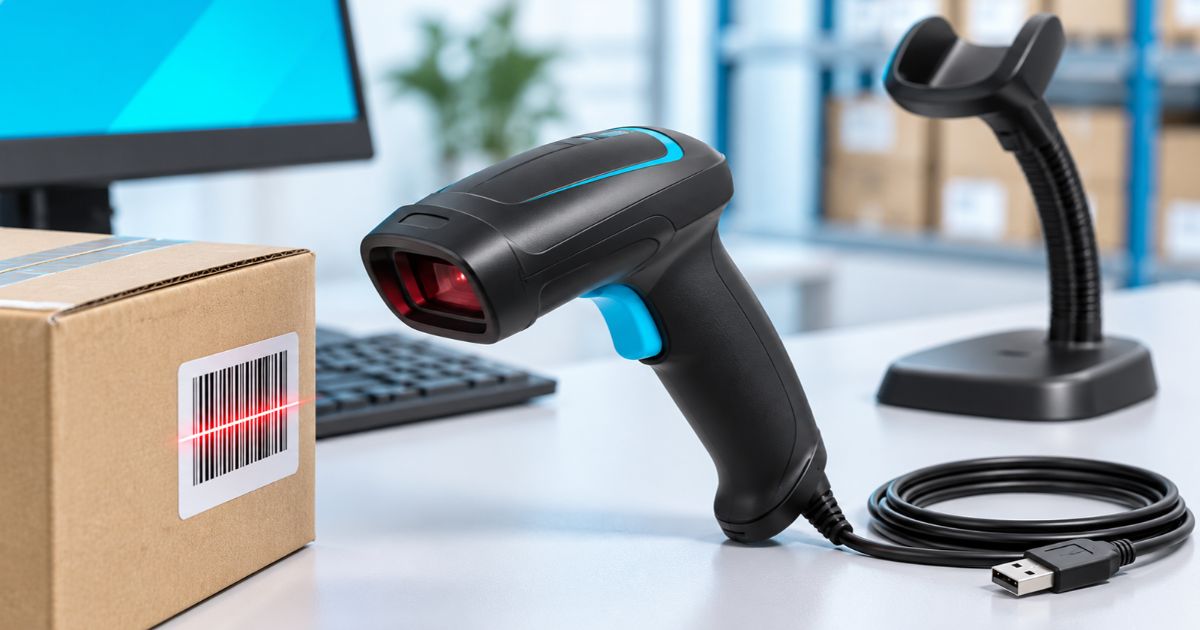
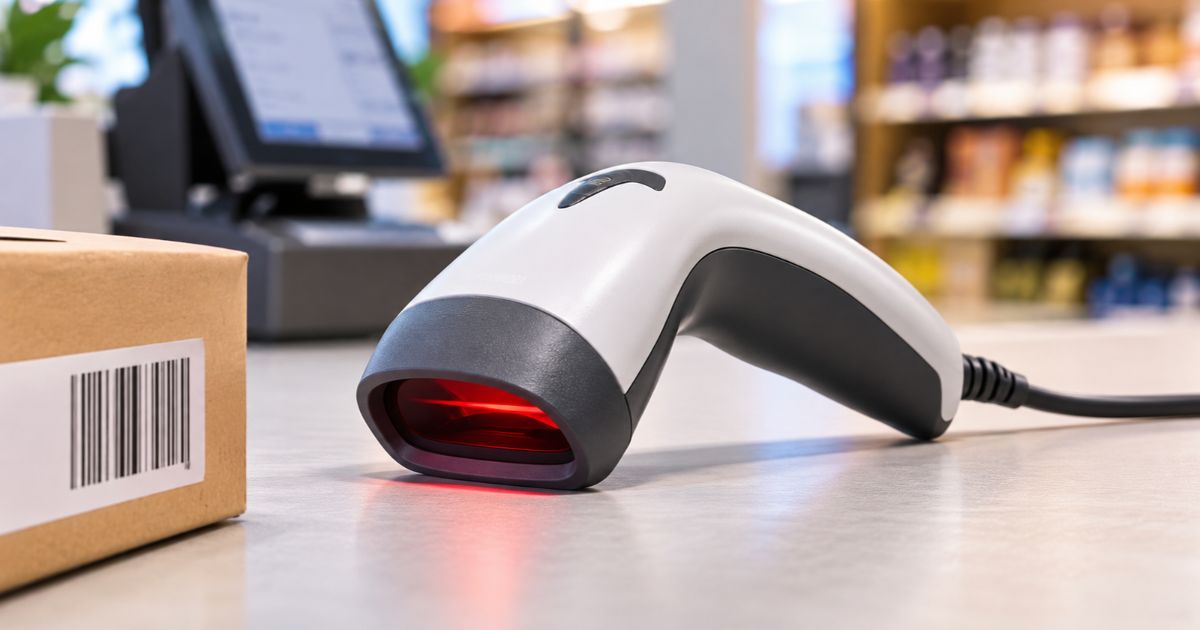
If wristbands include barcodes, confirm that the printed barcode can be read by the scanners and systems used in your facility. Print quality, barcode size, contrast, placement, and wristband condition can all affect scanning. Test the complete workflow before adopting a wristband for routine use.
Understanding Zebra Z-Band UltraSoft Wristbands
Zebra Z-Band UltraSoft is a direct thermal wristband range designed for patient identification. The UltraSoft design has an adhesive closure and a soft feel intended for comfortable wear. Zebra describes the range as resistant to common hand sanitizers, an important consideration in healthcare environments where staff and patients may frequently use hand hygiene products.
The DSTME Online listing features Zebra Z-Band UltraSoft adult wristbands, part number 10015355K. The listed product is white and measures 1 inch wide by 11 inches long. It is supplied in cartridges, with 175 wristbands per cartridge and six cartridges per case. That equals 1,050 wristbands per case.
The wristbands are perforated, allowing individual bands to be separated from the cartridge. Their direct thermal format supports printing patient details and barcodes without a separate ribbon. Always follow the printer and media instructions to help maintain print quality and avoid loading problems.
How to Choose the Right Wristband Supplies
The best supply choice is not simply the one with the lowest price per case. Consider the number of patients handled, the wristband sizes required, printer compatibility, and how frequently your team needs to replenish stock.
For example, a facility using adult wristbands may find the 10015355K format suitable, while a department caring for infants or children may need different sizes. Zebra's Z-Band UltraSoft range includes separate adult, paediatric and infant formats. Check the exact part number and dimensions rather than assuming that all cartridges in the range are interchangeable.
It is also useful to calculate consumption. With 175 wristbands in each cartridge and six cartridges in a case, one case contains 1,050 wristbands. Estimate your average daily usage and allow for changes in patient volume, printing errors, and stock replenishment lead times. Store cartridges according to the manufacturer's guidance and keep packaging intact until the supplies are needed.
Common Mistakes to Avoid
A few simple checks can prevent avoidable purchasing and printing issues:
- Ordering by product name alone: Confirm the full part number, 10015355K, and printer compatibility before placing an order.
- Using the wrong wristband size: Check whether the intended wearer requires an adult, paediatric, or infant format.
- Assuming every Zebra printer accepts cartridges: Wristband media systems are model-specific. Confirm that your printer supports the cartridge.
- Ignoring barcode verification: Test printed wristbands with the scanners and software used in your facility.
- Overlooking stock requirements: Calculate the number of wristbands per case and plan replenishment around actual usage.
These checks help purchasing teams select supplies that fit their existing workflow rather than discovering compatibility issues after delivery.
Why Source Zebra Wristband Supplies from DSTME Online?
Healthcare facilities need clear product information when ordering identification supplies. DSTME Online lists the Zebra Z-Band UltraSoft adult wristband cartridge, part number 10015355K, as a six-cartridge case with 175 wristbands per cartridge. The product listing also provides its size, direct thermal printing method, and compatibility information.
Before ordering, compare the part number on the product page with the media specified for your printer. If you are unsure whether the cartridge is suitable for your current Zebra wristband printer, contact the DSTME Online team with your printer model and required wristband size. This makes it easier to confirm the correct supply before purchasing.
Find the Right Zebra Wristband Supplies for Your Facility
A reliable patient identification workflow depends on more than the printer itself. The correct cartridge, suitable wristband size, readable barcode, and verified printer compatibility all contribute to a consistent process. If your facility uses a compatible Zebra wristband printer, the Z-Band UltraSoft 10015355K adult cartridge offers a direct thermal wristband option supplied in a case of six cartridges.
Visit DSTME Online to review the product details, confirm compatibility with your printer, and enquire about the Zebra Z-Band UltraSoft wristband case for your healthcare identification requirements.
Frequently Asked Questions
Does the Zebra 10015355K require an ink ribbon?
No. The 10015355K is direct thermal media. It is designed for compatible direct thermal wristband printers and does not require a separate ink ribbon.
How many wristbands are included in one case?
The listed case contains six cartridges, with 175 wristbands per cartridge. That gives a total of 1,050 wristbands per case.
Which printers are compatible with this wristband cartridge?
The DSTME Online listing identifies the HC100 and ZD510 cartridge system. Confirm the exact printer model and cartridge configuration before ordering.
What size is the Zebra 10015355K wristband?
It is an adult wristband measuring 1 inch wide by 11 inches long.